

You want a chip bag template that actually fits a snack bag, prints cleanly, and goes together without a wrestling match. This guide covers all of it: picking and editing a template in Canva, choosing paper, printing a test copy, and assembling the wrapper.
Why Custom Chip Bags Work So Well for Parties
A custom chip bag is a printed paper wrapper that fits around a sealed snack bag. Add a name, an age, a theme, or a short thank-you, and a regular bag of chips becomes part of your party décor. They work for birthdays, baby showers, school events, graduations, and community gatherings.
Favors are an old way of saying thanks to the people who celebrate with you, and the history of party favors is a fun read if you’re curious. A themed wrapper ties the snack to the colors on your table. For a spring party, pastel colors and cheerful motifs pair nicely with Easter party favors.
A chip bag template beats a blank page because the shape, fold lines, and artwork space are already worked out. Before you start, compare the template’s finished size to the snack bag you’ll cover, since there’s no single universal wrapper size.
Personal Touches That Make Guests Smile
A name, a birthday age, or a shower theme makes a snack feel like it was chosen for the occasion. Set the finished favors next to matching decorations and the snack table pulls together. For a child’s party, pick the guest of honor’s favorite colors and write wording in their voice. The template handles the layout, so your energy goes into those details.
Saving Time on the Design
Pre-measured layouts take the guesswork out of placement. Choose a theme, add your wording and graphics, and get the file ready to print. Keep it simple: one main graphic, a name that’s easy to read, and open space around both. Zoom out to full-page view to catch crowded spots before you print.
Finding and Customizing Your Chip Bag Template in Canva
Canva chip bag templates are beginner-friendly because you edit text, colors, and images right on the page. When you shop for one, check the finished dimensions and look for clear cut and fold guides plus room for a side seam. If you like the look of a nutrition-style panel, keep it purely decorative with silly party text rather than real nutrition information.
New to this? Our guide on how to use a chip bag template covers standard sizes and panel measurements, including the front panel, side panels, and top and bottom flaps. For a ready-made starting point, browse these editable Canva party templates.
Pick a design that matches your invitation instead of competing with it. Reuse a couple of colors or a similar font style, then repeat one or two details like stars, flowers, or stripes.
Step-by-Step Customization Basics
- Open the template and click through each panel so you know where the front, sides, and flaps sit.
- Swap the wording. Click a text box, type the name or message, and keep it on the front panel.
- Add artwork. Upload a photo or clip art you have permission to use, then drag a corner handle to resize it so it doesn’t stretch.
- Match your party. Update background colors and fonts to fit your invitations.
- Sort the layers. Use Canva’s position options to bring text forward or tuck decorative pieces behind it.
- Check the edges. Make sure nothing important runs into the seam, fold, or trim areas before you download.
Change one element at a time and look at the whole page after each edit. For general guidance on clear, consistent type, the U.S. Government Publishing Office’s government printing and design standards are a useful reference.
Common Design Mistakes to Avoid
- Text in the crimp zones. Keep names and key wording away from the top and bottom, where folds and seals can hide them.
- Low-resolution images. Use sharp photos so details don’t turn soft in print.
- Overcrowding. Open space makes the name or main image readable at a glance.
- Skipping the zoom check. Zoom out for the overall look, then zoom in on small text.
Printing and Assembly: Getting Professional Results
Paper changes how colors look and how folds hold. Plain copy paper often looks dull, so for a shiny, store-bought finish try Premium Glossy Paper, which is curated for printable party projects. Our breakdown of the best paper for chip bags compares paper types and weights if you want to go deeper.
Check that your printer supports the paper type and size. In the print menu, choose the closest glossy setting and a high-quality option if available. Menu labels vary by model, so follow your printer manual and the paper’s instructions.
Gather a paper trimmer, double-sided tape, and, if you want ridged ends, a paper crimper. Print one test copy first, and let the ink dry fully before trimming or handling. Keep the snack in its original sealed bag; the wrapper goes around the outside.
The Assembly Process Step-by-Step
- Trim the wrapper. Follow the cut guides with a paper trimmer, and leave enough material for the seam overlap.
- Form the side seam. Wrap the sheet around the sealed snack bag, overlap the side edges, and apply double-sided tape along the inside edge. Press it closed without pulling so tight that the design distorts.
- Close the ends. Tape the bottom edge and press it shut. Center the snack inside, then seal the top. If you’re crimping, work gently and keep the snack bag clear of the tool.
Troubleshooting Common Printing Issues
- Smeared ink: Give the sheet more drying time and don’t stack fresh prints.
- Design cut off: Check the paper size in the print menu and the scaling option, since “fit to page” can shrink artwork. Borderless printing only works if your printer supports it for that paper size.
- Colors look different: Screens display light while printers lay ink on paper, so a test print is the best way to check color and alignment.

From Hobbyist to Pro: Growing Your Party Favor Business
If friends keep asking where you got your favors, you might try selling. Start small: a few designs, a few samples, and a note of the time and materials each one takes. Review your marketplace’s current seller policies and fees before you set prices.
Photograph the finished wrapper in bright, even light, on its own and around a snack bag. Add a close-up of the print and a view of the full design, using a simple background. Each listing should say what the buyer can edit, which files are included, and whether a snack comes with it.
Set Up a Clear, Trustworthy Shop
Write titles using phrases shoppers type, such as “editable birthday chip bag wrapper” or “printable baby shower favor,” and keep them readable. Group related designs into party collections, like wrappers, labels, and favor tags. Include printing instructions covering paper type, scaling, and assembly. Be precise about file format and delivery, and avoid promising an exact print result, since it depends on the buyer’s printer and paper.
Learn Alongside Other Creative Sellers
Selling involves more than design: product development, marketing, and simple systems all matter. The Party Printable Studio is a subscription with ongoing access to a growing library of editable templates, tutorials, and related resources for repeat creators. Hanging with the Kiddos also shares education on selling, SEO, marketing, and product photography. Keep notes on customer questions, test new ideas in small batches, and build from what’s easiest to explain and produce.
Your Next Step
Choose a theme, check the fit, and make one test wrapper before you print the rest. The Party Favor Printing Starter Kit and our editable templates are there if you want supplies and a starting design in one place.
Frequently Asked Questions
What kind of paper is best for printing chip bags at home?
Glossy paper that’s compatible with your printer gives a smooth, shiny finish. Check the package for printer compatibility, and print one test sheet before a full set.
Do I need a special printer to make custom party favors?
No special party printer is needed. Your home printer should support the paper type and size and print in color. Check the manual for compatible papers and weight limits, and print a test page to confirm color, alignment, and feeding.
How do I make the edges of the chip bag look wavy and professional?
Run the sealed edges through a paper crimper. Practice on a scrap of the same paper first, use even pressure, and don’t force thick or layered areas through. Without a crimper, neat straight edges still look polished.
Can I use a chip bag template if I only have the free version of Canva?
Yes, as long as the elements and editing features are available on your account. Watch for graphics or fonts marked as paid, choose ones available to you, and review the download options before printing.
What size chip bags do these templates usually fit?
Sizes vary, so match the template to your snack bag. Measure the bag’s height and circumference, then compare them with the template’s printable area and seam overlap. Resizing can shift fold placement, so check the finished wrapper dimensions, not just the paper size.
How do I prevent the ink from smearing on glossy photo paper?
Let each print dry completely before touching, trimming, or stacking it. Drying time varies by printer, ink, and paper, so follow the paper maker’s instructions. Handle sheets by the edges, and if smearing continues, confirm your printer setting matches the glossy paper.
Article by
Latoya
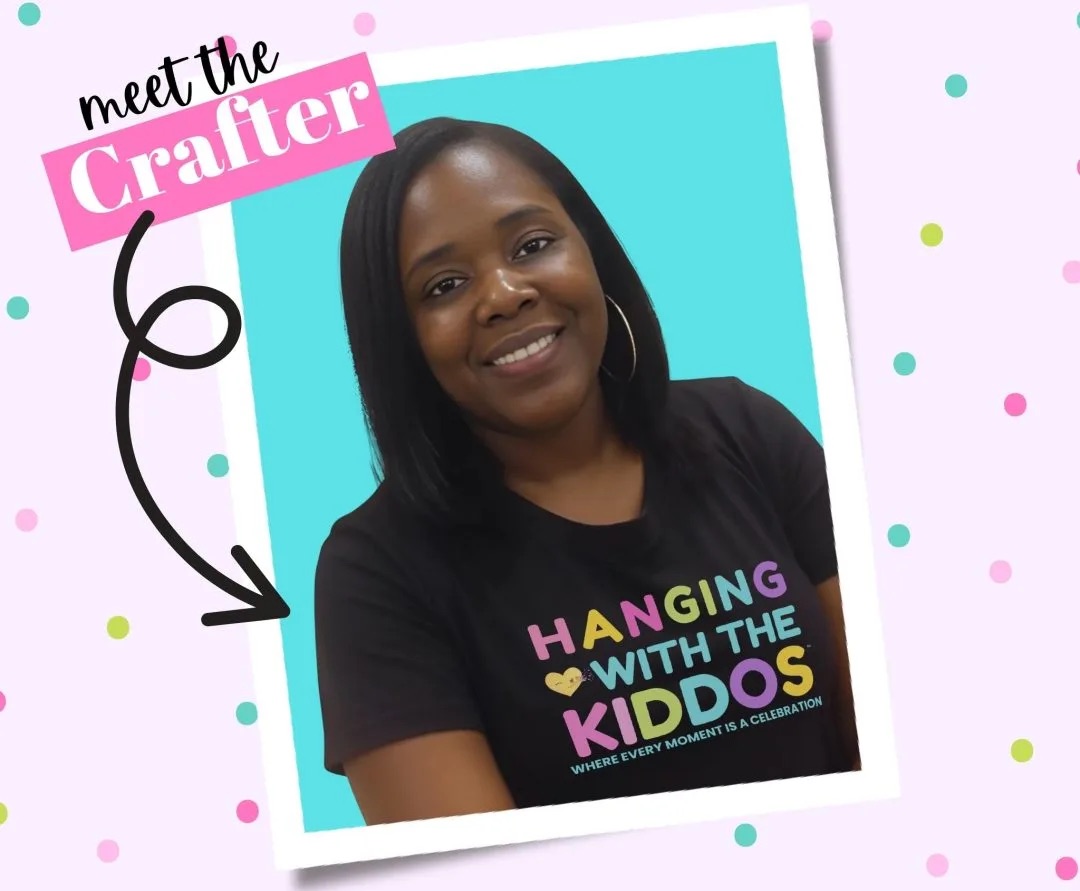
Latoya is the founder of Hanging with the Kiddos, where she helps DIY creators design and print professional-quality party favors at home. Through step-by-step tutorials, editable Canva templates, and the Party & Confetti line of premium printing supplies, she shares practical tips that make creating personalized celebrations easier and more enjoyable. Her mission is simple: help families, creators, and small business owners Celebrate • Create • Grow.
Disclaimer
“This post may contain affiliate links, which means if you choose to make a purchase, I may earn a small commission from purchases made at no extra cost to you. Your support is invaluable in helping me continue providing free content on this site & I really appreciate It!”


