

Hey there, fellow creator! If you’re here, you’re probably wondering if there’s a better way to sell your beautiful digital party printables. Maybe you’re feeling the squeeze of marketplace fees, the frustration of not owning your customer list, or the simple desire to build a real, lasting brand.
When I first started selling party printables, I loved Etsy because customers were already there. But as my business grew, I realized I wanted customers to remember my brand—not just another Etsy shop.
This isn’t just another generic guide. This is my playbook—the lessons I’ve learned, the mistakes I’ve made, and the strategies I use every day to run a thriving party printable business on Shopify. We’ll go beyond the basic setup and dive into how you can build a professional, profitable, and passion-fueled brand. Let’s get started.
“This post may contain affiliate links, which means if you choose to make a purchase, I may earn a small commission from purchases made at no extra cost to you. Your support is invaluable in helping me continue providing free content on this site & I really appreciate It!”
Table of Contents
- Why I Chose Shopify Over a Marketplace
- My Workflow for Delivering Canva Templates on Shopify
- How to Organize Your Printable Shop for More Sales
- Smart Ways to Increase Your Average Order Value (AOV)
Why I Chose Shopify Over a Marketplace
The “Etsy vs. Shopify ” debate is a big one in our community. While marketplaces like Etsy are fantastic for getting your first few sales and validating your ideas, there comes a point where your growth feels capped. You’re building your business on rented land. I chose Shopify because I wanted to build an asset—a true brand that I owned from the ground up.
From Marketplace Listing to Destination Brand
On a marketplace, your products are displayed right next to your competitors. The platform’s goal is to make a sale, not necessarily your sale. On Shopify, your store is your world. You control the entire experience.
- Create a “Party Studio” Vibe: You can design your storefront to feel like a boutique creative studio, not a generic grid. Use Shopify’s themes to showcase your party collections cohesively, telling a story from the invitation to the thank-you tags.
- Own Your Customer Relationships: This is huge. When someone buys from you on Shopify, you get their email address. This allows you to build a direct line of communication for announcing new products, sharing party tips, and bringing them back for future celebrations. Your email list is your business’s most valuable asset.
- Full SEO Control: Instead of fighting to rank on page 10 of Etsy’s search for “dinosaur party favors,” you can optimize your own domain to rank on Google. You get to control the narrative and attract your ideal customers directly.
The Real Cost of Selling: A Quick Comparison
It’s easy to get sticker shock from a monthly subscription, but marketplace fees add up deceptively fast. Let’s break down the approximate cost of a $10 digital template on both platforms.
| Fee Type | Etsy (Approximate) | Shopify (with Shopify Payments) |
|---|---|---|
| Listing Fee | $0.20 (renews per sale) | $0.00 |
| Transaction Fee | 6.5% ($0.65) | $0.00 |
| Payment Processing | ~3% + $0.25 ($0.55) | ~2.9% + $0.30 ($0.59) |
| Offsite Ads Fee (if applicable) | 12-15% ($1.20 – $1.50) | $0.00 |
| Total Fees per Sale | $1.40 – $2.90+ | ~$0.59 |
| Monthly Cost | Pay-per-listing/sale | Starts at ~$29/month |
Note: Fees are estimates and can change. The Etsy Offsite Ad fee is often mandatory for shops over a certain revenue threshold.
As you can see, the per-transaction cost is significantly lower on Shopify. Once you’re making consistent sales, the fixed monthly fee quickly becomes more profitable than giving away a large percentage of every single sale.

My Workflow for Delivering Canva Templates on Shopify
One of the biggest technical hurdles for new sellers is figuring out the best way to deliver an editable Canva link. You need a system that’s automated, professional, and protects your designs. Here’s the exact, simple workflow I use.
The “Delivery PDF”: Your Key to a Great Customer Experience
Instead of delivering the raw Canva link, I deliver a beautifully designed, one-page PDF. This little document is a game-changer.
Why this works so well:
- It’s Professional: It feels like a complete package, not just a random link.
- It Includes Instructions: You can add a quick “How to Edit” guide, font information, or a link to a video tutorial.
- It Protects Your Link: It adds a layer between the customer and the direct template link.
- It’s a Marketing Tool: You can include a thank-you note, a discount code for their next purchase, or a link to your Instagram.
Here’s how to set it up in 3 simple steps:
- Create Your PDF in Canva: Design a simple 8.5×11″ document. Add your branding, a thank-you message, and a big, clear button or hyperlinked text that says “Click Here to Access Your Template.” This text will link to your Canva “Template Link.”
- Upload the PDF to Shopify: In your Shopify admin, go to Content > Files and upload your new PDF. Once uploaded, click the “Copy link” button.
- Connect it to Your Product: Create your product in Shopify. Uncheck “This is a physical product.” Then, use a digital delivery app to automatically send the file link to the customer after purchase.
The Best Shopify Apps for Digital Downloads
You’ll need an app to handle the automatic delivery. The good news is, you can start for free.
- Shopify Digital Downloads (Free): This is Shopify’s own app. It’s simple, reliable, and perfect for getting started. You attach the file you uploaded in the previous step, and it emails the download link to the customer automatically.
- SendOwl or Sky Pilot (Paid): As you grow, you might want more features. Apps like these offer things like PDF stamping (to discourage sharing by adding the customer’s email to the file), download limits, and the ability to deliver entire folders of files. I recommend starting with the free app and upgrading only when you need these advanced features.
How to Organize Your Printable Shop for More Sales
A cluttered shop is a confusing shop. As your collection of templates grows, organization becomes critical for helping customers find exactly what they need and discovering other items they’ll love.
Create a “Party Studio” Experience with Collections
Think like a party planner. Don’t just list 100 random products. Group them logically using Shopify’s “Collections” feature.
- By Theme: Create collections for “Mermaid Party,” “Superhero Party,” or “Boho Baby Shower.” This is the most intuitive way for customers to shop.
- By Product Type: Have collections for “Invitations,” “Chip Bag Templates,” and “Favor Tags.” This helps customers who know exactly what they’re looking for.
- By Occasion: Group items for “Birthdays,” “Holidays,” or “Graduations.”
Your main navigation menu should clearly feature these top-level categories, making it effortless for a visitor to dive right into the theme they’re planning.
The “Teach First, Sell Second” Product Page
Your product page is your most important salesperson. Its job is to build confidence and answer every question before the customer even thinks to ask it. This reduces friction and dramatically increases conversions.
A great product description for a party printable should include:
- What They Get: Clearly state the file type (e.g., “PDF with a link to an editable Canva template”).
- What They Can Edit: Be specific. “You can change the name, age, and party details. The background graphics are not editable.”
- Assembly Instructions: Don’t leave them guessing! Explain the basics of printing and assembly. Better yet, embed a short assembly video right on the page.
- Recommended Supplies: This is where you become an invaluable resource. Tell them exactly what they need for the best results. This is the perfect, most helpful place to recommend a product.
Example of a natural product recommendation:
“For the most vibrant colors and a professional, store-bought look, I highly recommend printing your chip bags on Party & Confetti Premium Glossy Paper. It’s the exact paper I use for all my own parties!”
Smart Ways to Increase Your Average Order Value (AOV)
Once you’ve got a customer ready to buy, you can increase the value of their order by offering them more of what they already want. It’s not about being pushy; it’s about making their party planning even easier.
Bundle for Bigger Celebrations
No one throws a party with just a chip bag. They need invitations, water bottle labels, favor tags, and more. Bundle these items together into a “Full Party Suite” or “Theme Kit” and offer a slight discount compared to buying each item individually. This is an easy win for the customer and a great AOV booster for you.
The Strategic Upsell: From Digital to Physical
Your customer is buying a digital file, but they need physical supplies to bring it to life. Make it easy for them! Use a Shopify app to offer a relevant add-on in the cart.
- When they add a chip bag template to their cart, offer a pack of glossy paper.
- When they add water bottle labels, offer a pack of glossy sticker paper.
- Even better, offer a complete Party Favor Printing Starter Kit that includes all the essential papers for a beginner.
This positions you as a one-stop shop and ensures your customers have what they need to get a great result, which leads to glowing reviews.
Common Mistakes to Avoid (That I Learned the Hard Way)
Building a Shopify store is a journey, and there are a few common pitfalls I see printable sellers make. Avoiding these will put you way ahead of the curve.
- Mistake #1: Not Having Clear Terms of Use. Be upfront about what customers can and cannot do with your files (e.g., “For personal use only. Not for resale.”). A simple line in your product description and delivery PDF can save you a lot of headaches.
- Mistake #2: Underestimating Customer Support. Even with the best instructions, you will get questions. Set up a simple FAQ page and be prepared to help customers who are new to Canva or DIY projects. A little help goes a long way in creating a loyal fan.
- Mistake #3: Neglecting Your Own Site’s SEO. Don’t assume people will just find you. Give your product pages descriptive names, write helpful blog content that answers common questions (like “how to choose the best paper for party favors”), and give your images descriptive alt text. For a deep dive on this, check out my Ultimate Guide to Glossy Photo Paper, which is a great example of an SEO-driven, helpful article.
Ready to Scale? From Templates to a Thriving Business
Selling templates is a fantastic business model, but it’s just the beginning. Shopify gives you the foundation to scale your creative passion into something much bigger.
You can use your blog to teach advanced Canva skills, leverage the Shopify and Pinterest integration to create a powerful traffic engine, and build a loyal community through email marketing.
And when you’re truly ready to take your business to the next level—to move from creator to creative CEO—that’s when you might consider a membership model. It’s about creating a space for other creators to learn and grow. That’s the entire philosophy behind why I created the Party Printable Studio, a place to master not just the craft, but the business side of things.
Frequently Asked Questions
**Is Shopify really better than Etsy for selling digital party printables?
**
I get this question all the time. For me, the answer was a clear yes. If your goal is to build a long-term brand, control your customer experience, and have higher profit margins, Shopify is the superior platform. Etsy is a great place to start, but Shopify is where you grow.
**How do I deliver Canva template links to customers on Shopify?
**
The best method is to create a simple PDF that contains the clickable link to your Canva template. You then use a free app like Shopify Digital Downloads to automatically email a link to that PDF to your customer immediately after their purchase.
**How can I prevent people from sharing my digital party favor files?
**
While you can’t stop it 100%, you can discourage it. State your “personal use only” terms clearly. As you grow, you can use paid apps like SendOwl to “PDF stamp” your delivery files with the customer’s name and email, which is a strong deterrent.
**Can I sell both digital templates and physical printing supplies on the same Shopify store?
**
Absolutely! This is one of Shopify’s biggest strengths. You can list physical products like paper and sticker sheets right alongside your digital templates. The system handles the different shipping and delivery requirements seamlessly.
**How do I handle taxes for digital products sold internationally?
**
Shopify has a feature called Shopify Markets that helps you manage international commerce. It can help you collect the correct taxes (like VAT in the EU) based on your customer’s location. I highly recommend consulting with a tax professional to ensure you’re set up correctly for your specific situation.
Building your own party printable empire is an exciting journey. It takes work, but creating a brand on a platform you truly own is one of the most rewarding things you can do. You have the power to build a business that not only fuels your creativity but also brings joy to celebrations all over the world.
Article by
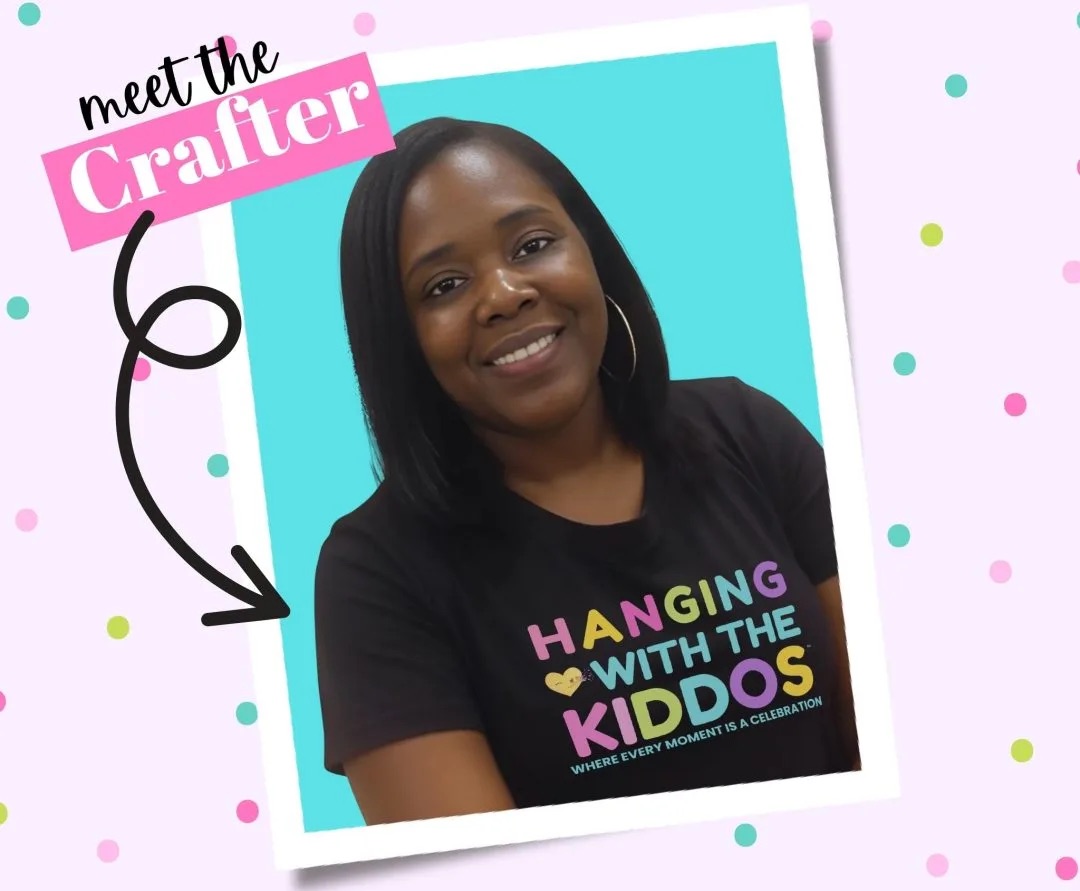
Latoya
Latoya is the founder of Hanging with the Kiddos, where she helps DIY creators design and print professional-quality party favors at home. Through step-by-step tutorials, editable Canva templates, and the Party & Confetti line of premium printing supplies, she shares practical tips that make creating personalized celebrations easier and more enjoyable. Her mission is simple: help families, creators, and small business owners Celebrate • Create • Grow.


